
The IBM® Business Process Manager Express V7.5 Quick Start Guide gets you started with installing and configuring IBM Business Process Manager.
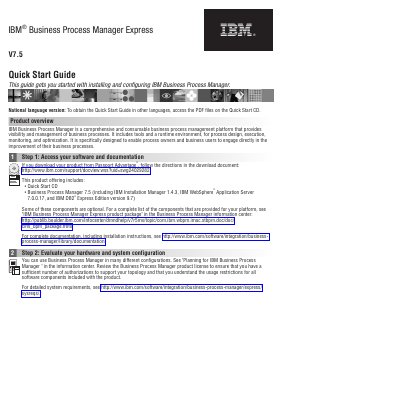
This two-page quick start guide from IBM describes how to get started with installing and configuring IBM Business Process Manager Express V7.5. It gives a short product overview, then walks through three steps: accessing the software and documentation, evaluating hardware and system configuration, and installing the product.
The installation section explains a Typical Install that creates either a stand-alone Process Center or Process Server profile using the DB2 Express database, and notes that a custom install launches IBM Installation Manager. The guide also lists documentation, education and support links, and carries the part number CF31FML.
| Included IBM Installation Manager version | 1.4.3 |
|---|---|
| Included IBM WebSphere Application Server version | 7.0.0.17 |
| Included database | IBM DB2 Express Edition version 9.7 |
| Profiles created by typical install | Stand-alone Process Center or Process Server profile |
The offering includes a Quick Start CD and Business Process Manager 7.5, which includes IBM Installation Manager 1.4.3, IBM WebSphere Application Server 7.0.0.17, and IBM DB2 Express Edition version 9.7. Some of these components are optional.
Start the launchpad from the DVD media or extracted electronic image, click Install using typical installer, choose Process Center or Process Server, confirm the installation location, select the embedded DB2 Express database and accept the license before clicking Install Software.
The typical install can create a stand-alone Process Center or Process Server profile using the DB2 Express database.
Choose the Install using custom installer option on the launchpad, which will launch the IBM Installation Manager.