
The IBM Endpoint Manager for Patch Management V9.1 Quick Start Guide describes a quick and easy way to install the product.
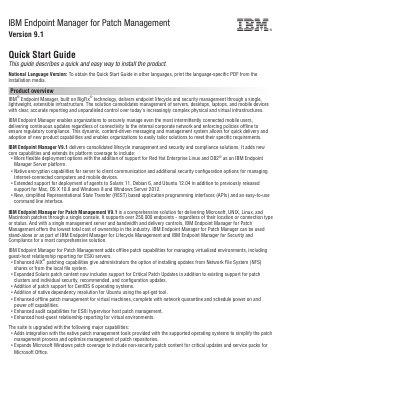
This is the IBM Endpoint Manager for Patch Management Version 9.1 Quick Start Guide, a short document that describes a quick and easy way to install the product. It opens with a product overview of IBM Endpoint Manager, built on BigFix technology, and describes the capabilities added in version 9.1, including support for Red Hat Enterprise Linux and DB2 as a server platform, native encryption for server-to-client communication, and REST-based APIs with a command line interface. It then introduces Patch Management V9.1, which delivers Microsoft, UNIX, Linux, and Macintosh patches through a single console and is described as supporting over 250,000 endpoints.
The remaining steps cover access to the software and documentation, hardware and system configuration evaluation, and installation. Step 1 explains that the software is available from Passport Advantage or DVD and lists the two product DVDs included in the package. Step 2 points to the IBM Endpoint Manager System Requirements document. Step 3 outlines that a complete installation is composed of installation and registration of the platform, followed by configuration of the applications, and points to the Getting Started and Installation Guide documents for details. A closing section lists support site, wiki, knowledge base, and forum resources.
| Version | 9.1 |
|---|---|
| Endpoint support | over 250,000 endpoints |
| Patch coverage | Microsoft, UNIX, Linux, and Macintosh patches |
| Included database DVD | IBM DB2 Workgroup Server Edition 10.5, Linux 64-bit, limited use |
The software can be accessed from Passport Advantage or from DVD. Documentation is available online from the IBM information center.
The package includes the IBM Endpoint Manager Version 9.1 Platform Installer DVD and the IBM DB2 Workgroup Server Edition 10.5 Linux 64-bit limited use DVD.
It supports over 250,000 endpoints, regardless of their location or connection type or status.
It is composed of installation and registration of the platform, followed by configuration of the applications.