
IBM Tivoli Composite Application Manager for Applications Version 7.2.1.1 Quick Start Guide Use this guide to get started with a typical installation of Tivoli Composite Application Manager for Applications.
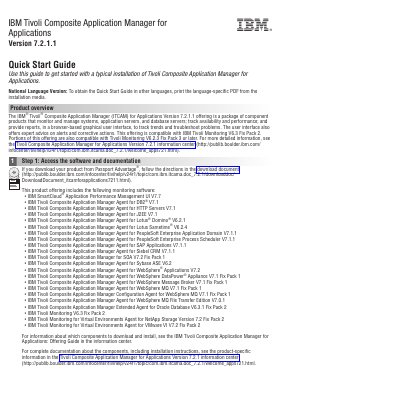
IBM Tivoli Composite Application Manager for Applications Version 7.2.1.1 is an offering of component products that monitor and manage systems, application servers, and database servers; track availability and performance; and provide reports in a browser-based graphical user interface. Its user interface also offers expert advice on alerts and corrective actions.
The guide outlines a typical installation, including accessing software and documentation, evaluating hardware and system configuration, reviewing installation architecture, installing prerequisite software, and installing, configuring, and starting the product. It states that Tivoli Monitoring V6.3 Fix Pack 2 or later must be installed as prerequisite software.
| Compatible with | IBM Tivoli Monitoring V6.3 Fix Pack 2 |
|---|---|
| Portions compatible with | Tivoli Monitoring V6.2.3 Fix Pack 3 or later |
| Prerequisite software | Tivoli Monitoring V6.3 Fix Pack 2 or later |
It is an offering of component products that monitor and manage systems, application servers, and database servers; track availability and performance; and provide reports in a browser-based graphical user interface.
Tivoli Monitoring V6.3 Fix Pack 2 or later must be installed as prerequisite software.
Complete documentation is available in the product-specific information in the Tivoli Composite Application Manager for Applications Version 7.2.1 information center.