
IBM Maximo Asset Management Scheduler Plus is a software product that helps you manage large projects, schedule customer appointments, and use weather data to better plan, organize, and allocate work.
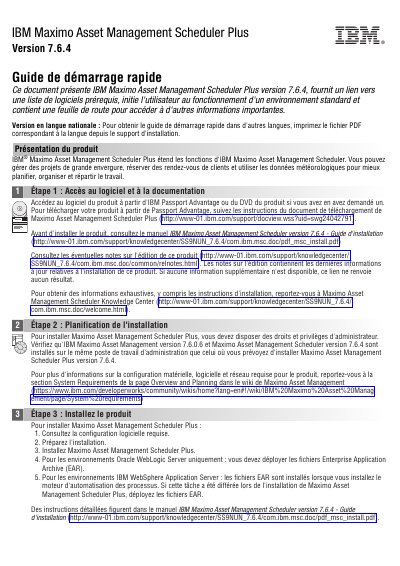
This guide introduces IBM Maximo Asset Management Scheduler Plus version 7.6.4, providing links to required software and initiating users into a standard environment. It outlines steps for accessing the software, planning installation, and installing the product, including system requirements and deployment instructions for specific server environments. After installation, users are directed to additional resources for further support and documentation. This manual is written in French.
It extends the functions of IBM Maximo Asset Management Scheduler.
Use weather data to better plan, organize, and distribute work.
Administrator rights and privileges are required.
You must deploy the Enterprise Application Archive (EAR) files.