
IBM Maximo Asset Management is an integrated database and productivity tool designed to help you manage all your asset types on a single software platform.
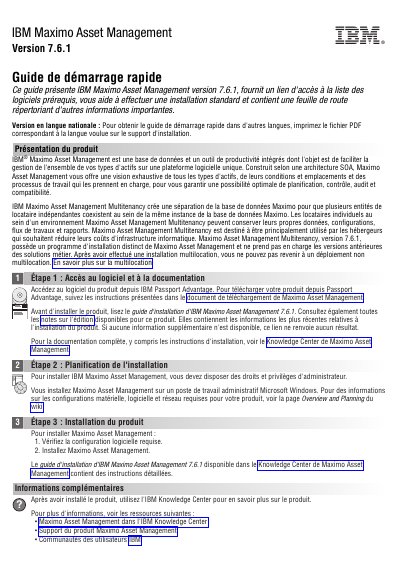
This guide introduces IBM Maximo Asset Management version 7.6.1, providing access to required software and installation instructions. It covers planning, installation steps, and multitenancy features for database separation. The guide also directs users to IBM Knowledge Center for detailed installation and support resources.
Installation requires administrator privileges on Microsoft Windows. The guide includes links to prerequisites, planning documentation, and detailed installation steps in the Knowledge Center. This manual is written in French.
It is an integrated database and productivity tool for managing all types of assets on a single software platform. It provides a comprehensive view of assets, their conditions and locations, and the workflows that support them.
You must have administrator rights and privileges to install it. The product is installed on an administrative Microsoft Windows workstation.
The product software is accessed from IBM Passport Advantage. To download it, follow the instructions in the Maximo Asset Management download document.
Verify the required software configuration, then install Maximo Asset Management. Detailed instructions are in the IBM Maximo Asset Management 7.6.1 installation guide in the Maximo Asset Management Knowledge Center.