
IBM® Tivoli Network Manager IP Edition is a network management software that can recognize networks, including Layer 2 and Layer 3 network devices, interfaces, and connectivity. Network Manager also integrates topology and alert data into IBM Tivoli Netcool/OMNIbus so that operators can visualize and understand the layout of complex networks, and diagnose and resolve network incidents in real time.
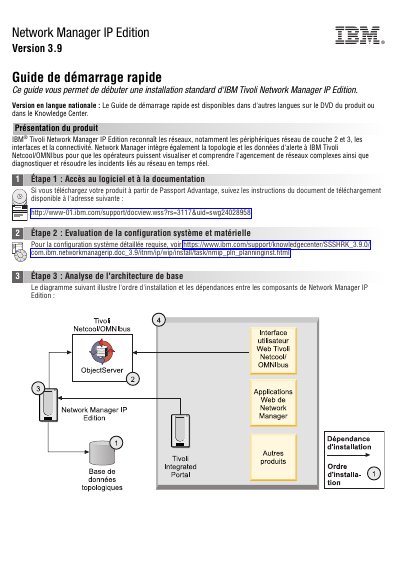
This quick start guide for IBM Tivoli Network Manager IP Edition 3.9 describes the product as recognizing networks, including Layer 2 and Layer 3 network devices, interfaces and connectivity. It states that Network Manager integrates topology and alert data with IBM Tivoli Netcool/OMNIbus so operators can view complex networks and diagnose and resolve network incidents in real time.
The guide outlines seven installation steps: accessing software and documentation, evaluating system and hardware configuration, analyzing the base architecture, installing a topology database, downloading and installing Tivoli Netcool/OMNIbus, installing Network Manager IP Edition, and configuring the installation. It also lists supported topology databases and refers readers to IBM Knowledge Center for detailed installation and release notes. This manual is written in French.
| Product version | 3.9 |
|---|---|
| Supported topology databases | IDS 11.5 or 11.7; IBM DB2 Universal Database 9.1, 9.5, 9.7, 10.1 or 10.5; Oracle 11g Standard or Enterprise Edition or 12c; MySQL 5.1, 5.5 or 5.6 |
| Tivoli Netcool/OMNIbus for single-server installation | 7.3.1 |
| Tivoli Netcool/OMNIbus for multi-server installation | 7.4 |
| Included components | Tivoli Netcool/OMNIbus web UI 7.3.1; Tivoli Common Reporting 2.1; Tivoli Integrated Portal 2.1 |
For a single-server installation, Tivoli Netcool/OMNIbus 7.3.1 is downloaded into the same directory as the Network Manager installation package.
The guide lists IDS 11.5 or 11.7, IBM DB2 Universal Database 9.1, 9.5, 9.7, 10.1 or 10.5, Oracle 11g Standard or Enterprise Edition or 12c, and MySQL 5.1, 5.5 or 5.6.
It integrates topology and alert data with IBM Tivoli Netcool/OMNIbus, so operators can view complex networks and diagnose and resolve network incidents in real time.
The installation includes the Tivoli Netcool/OMNIbus 7.3.1 web user interface, Tivoli Common Reporting 2.1 and Tivoli Integrated Portal 2.1.