
The IBM Hyper-Scale Manager is a storage management application for Linux power users. It can manage up to 144 XIV systems and has a quick and simple installation process.
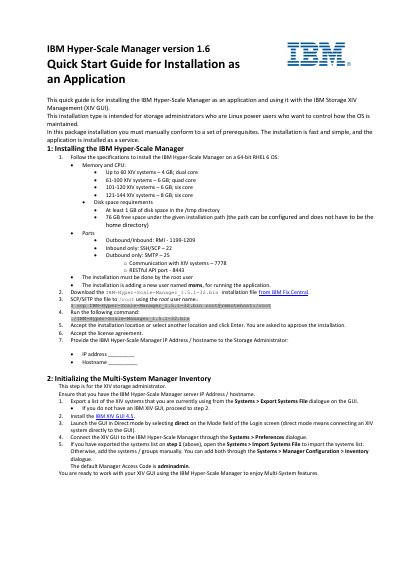
IBM Hyper-Scale Manager 1.6 Quick Start Guide describes installing the application on a 64-bit RHEL 6 OS and using it with IBM Storage XIV Management (XIV GUI). It is intended for storage administrators who are Linux power users and requires manual conformance to prerequisites.
The guide lists hardware, disk, port, and user requirements, then gives installation steps and steps to initialize the multi-system manager inventory, including importing or manually adding XIV systems.
| Operating system | 64-bit RHEL 6 |
|---|---|
| Memory and CPU (up to 60 XIV systems) | 4 GB; dual core |
| Memory and CPU (61-100 XIV systems) | 6 GB; quad core |
| Memory and CPU (101-120 XIV systems) | 6 GB; six core |
| Memory and CPU (121-144 XIV systems) | 8 GB; six core |
| Disk space (/tmp) | At least 1 GB |
| Free disk space (installation path) | 76 GB |
| Ports (outbound/inbound) | RMI 1199-1209 |
| Ports (inbound only) | SSH/SCP 22 |
| Ports (outbound only) | SMTP 25 |
| Port (XIV communication) | 7778 |
| Port (RESTful API) | 8443 |
| Installation user | root |
| Application runtime user | msms |
| Default Manager Access Code | adminadmin |
A 64-bit RHEL 6 OS is required.
The installation must be done by the root user.
The default Manager Access Code is adminadmin.
They are available on the IBM Hyper-Scale Manager Installation as application Version 1.6 website.