
This document describes how to manually uninstall IBM DB2 Web Query V2.
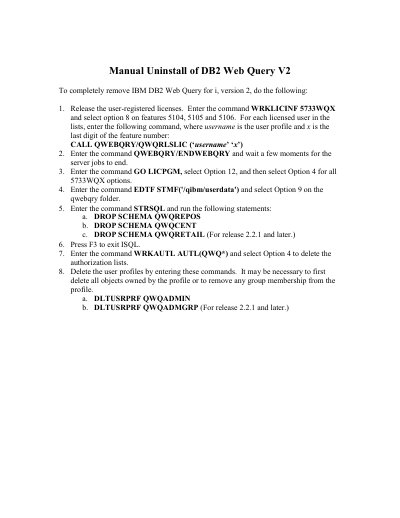
This guide describes the manual uninstall procedure for IBM DB2 Web Query for i, version 2 (product 5733WQX). It walks through releasing user-registered licenses, ending the DB2 Web Query server jobs and removing the licensed program options.
The remaining steps cover deleting the qwebqry folder, dropping the QWQREPOS, QWQCENT and QWQRETAIL schemas, deleting the QWQ* authorization lists and removing the QWQADMIN and QWQADMGRP user profiles. Several steps note that an item applies only to release 2.2.1 and later.
| Product number | 5733WQX |
|---|---|
| Version | 2 |
| Licensed features | 5104, 5105, 5106 |
| Additional schema for release 2.2.1 and later | QWQRETAIL |
Enter WRKLICINF 5733WQX, select option 8 on features 5104, 5105 and 5106, and run the QWQRLSLIC command for each licensed user.
Enter the command QWEBQRY/ENDWEBQRY and wait a few moments for the server jobs to end.
Drop schema QWQREPOS, QWQCENT and, for release 2.2.1 and later, QWQRETAIL.
Delete user profiles QWQADMIN and, for release 2.2.1 and later, QWQADMGRP.