
This document describes how to get an IBM Academic Initiative account and an IBMid, and how to activate the code on your cloud account.
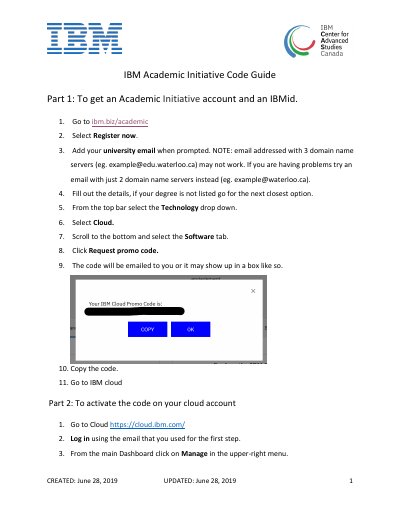
This three-page IBM Academic Initiative Code Guide walks through two parts of getting started with IBM Cloud. Part 1 explains how to obtain an Academic Initiative account and an IBMid: going to ibm.biz/academic, selecting Register now, entering a university email, filling out the details, then navigating the Technology drop-down to Cloud, opening the Software tab and clicking Request promo code.
Part 2 explains how to activate the code on a cloud account: logging in at cloud.ibm.com with the same email, opening Manage > Account > Account Settings, scrolling to the Subscription and Feature Code section, clicking Apply Code, and entering the 25-character promo code. The guide also notes that email addresses with three domain name servers may not work and suggests trying an address with just two.
| Promo code length | 25 characters |
|---|
Go to ibm.biz/academic, select Register now and add your university email when prompted, then fill out the details.
Email addresses with three domain name servers may not work, so try an address with just two domain name servers instead.
In Account Settings, scroll to the Subscription and Feature Code section, click Apply Code and paste the 25-character code.
Look at the Account Type information at the top of the dashboard.