
Netcool Operations Insight helps unify, reduce, and prioritize your business service-impacting events by using real-time and historical analytics.
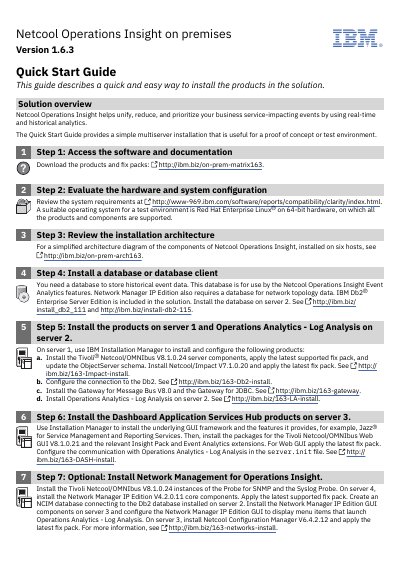
The guide describes a quick and easy way to install the products in the solution and provides a simple multiserver installation useful for a proof of concept or test environment. It lists 11 steps, including software access, system requirements, database setup, product installation on servers, optional network and service management components, Insight Packs, integration, and getting started.
The document covers components installed across six hosts, including Tivoli Netcool/OMNIbus, Netcool/Impact, Gateway for Message Bus, Gateway for JDBC, Operations Analytics - Log Analysis, Dashboard Application Services Hub, Network Manager IP Edition, Netcool Configuration Manager, and Agile Service Manager. It also gives IBM product version numbers, fix pack instructions, and links to installation resources.
| Solution version | 1.6.3 |
|---|---|
| Test environment operating system | Red Hat Enterprise Linux on 64-bit hardware |
| Included database | IBM Db2 Enterprise Server Edition |
| Installation architecture host count | Six hosts |
| Core event server version | Tivoli Netcool/OMNIbus V8.1.0.24 |
| Web GUI version | Tivoli Netcool/OMNIbus Web GUI V8.1.0.21 |
| Network Manager IP Edition version | V4.2.0.11 |
| Netcool Configuration Manager version | V6.4.2.12 |
It helps unify, reduce, and prioritize business service-impacting events by using real-time and historical analytics.
Red Hat Enterprise Linux on 64-bit hardware is suitable, and all products and components are supported on it.
The simplified architecture diagram shows the components installed on six hosts.
IBM Db2 Enterprise Server Edition is included in the solution.