
IBM® Tivoli® Network Manager IP Edition discovers networks, including layer 2 and 3 network devices, interfaces and connectivity. Network Manager also integrates topology and alert data with IBM Tivoli Netcool/OMNIbus so that operators can visualize and understand the layout of complex networks, and diagnose and solve network problems in real time.
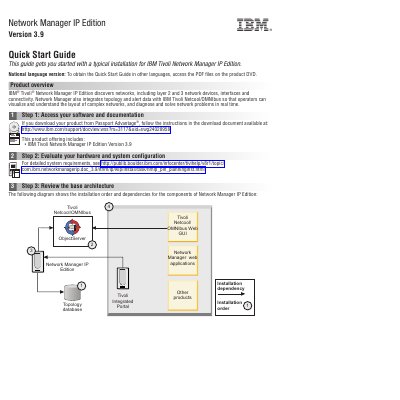
This IBM Tivoli Network Manager IP Edition Version 3.9 Quick Start Guide describes a typical installation of the product. Network Manager IP Edition discovers networks, including layer 2 and 3 network devices, interfaces and connectivity, and integrates topology and alert data with IBM Tivoli Netcool/OMNIbus so that operators can visualize the layout of complex networks and diagnose and solve network problems in real time.
The guide is arranged as seven steps: accessing your software and documentation, evaluating your hardware and system configuration, reviewing the base architecture, installing your topology database, downloading and installing Tivoli Netcool/OMNIbus, installing Network Manager IP Edition, and configuring your installation. Each step points to IBM documentation pages for detailed instructions, and the same content is also provided in French.
| Product version | 3.9 |
|---|---|
| Included component | Tivoli Netcool/OMNIbus Web GUI Version 7.3.1 |
| Included component | Tivoli Common Reporting 2.1.1 |
| Included component | Tivoli Integrated Portal Version 2.1 Fix Pack 5 |
| Topology database option | Informix Growth Edition version 11.7 |
| Informix version on SLES 10 | Informix 11.5 |
| Tivoli Netcool/OMNIbus version to download | 7.3.1 |
It discovers networks, including layer 2 and 3 network devices, interfaces and connectivity.
It is integrated with IBM Tivoli Netcool/OMNIbus so that operators can visualize and diagnose network problems in real time.
No. Informix 11.7 is not supported on SLES 10; on that platform you must use Informix 11.5.
Access the PDF files on the product DVD.