
IBM Cognos Integration Server is a data integration tool that can extract data from a variety of data sources and transform it into a format that can be used by financial performance management (FPM) and business intelligence (BI) applications.
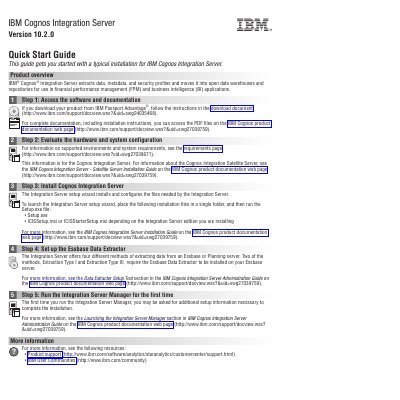
IBM Cognos Integration Server Version 10.2.0 extracts data, metadata, and security profiles and moves them into open data warehouses and repositories for use in financial performance management and business intelligence applications.
This Quick Start Guide covers accessing the software, evaluating hardware and system configuration, installing the Integration Server, setting up the Essbase Data Extractor, and running the Integration Server Manager for the first time.
It extracts data, metadata, and security profiles and moves them into open data warehouses and repositories for use in financial performance management and business intelligence applications.
Place the installation files in a single folder and run the Setup.exe file.
The required files are Setup.exe and either ICISSetup.msi or ICISStarterSetup.msi, depending on the edition being installed.