
IBM® Tivoli® Federated Identity Manager provides the necessary framework to support standards-based, federated identity management between enterprises that have established a trust relationship.
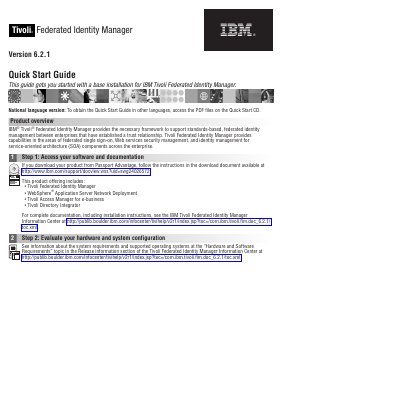
IBM Tivoli Federated Identity Manager provides a framework for standards-based federated identity management between trusted enterprises, enabling federated single sign-on, Web services security management, and identity management for SOA components. The guide outlines a base installation process for version 6.2.1.
The installation involves six steps: accessing software and documentation via Passport Advantage, evaluating hardware and system requirements, reviewing the base architecture, installing Tivoli Access Manager for e-business, installing WebSphere Application Server Network Deployment, and installing Tivoli Federated Identity Manager components (runtime, management console, and Web services security client). Additional resources and support links are provided.
| Product version | 6.2.1 |
|---|
Complete documentation is available in the IBM Tivoli Federated Identity Manager Information Center at the provided URL.
It provides a framework to support standards-based, federated identity management between enterprises that have established a trust relationship.
It covers federated single sign-on, Web services security management, and identity management for service-oriented architecture (SOA) components across the enterprise.
It is installed as required for some scenarios.