
IBM Security Directory Server is an LDAP server that stores directory information and provides a proxy server to route LDAP operations to the appropriate directory server.
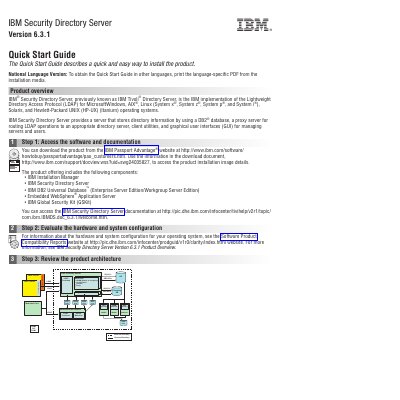
This Quick Start Guide from IBM describes a quick and easy way to install IBM Security Directory Server Version 6.3.1, previously known as IBM Tivoli Directory Server. The guide outlines the product overview and then walks through access to the software and documentation, evaluation of hardware and system configuration, and a review of the product architecture, including the LDAP front-end, back-ends, plug-ins, DB2 database, proxy, and administration daemon.
The remaining steps cover installing the product on a server with IBM Installation Manager or operating system utilities, installing a database with IBM Installation Manager or DB2 commands, and creating a directory server instance to get started. The guide lists the components included in the product offering and points to the Installation and Configuration Guide and other IBM support resources for more information.
| Product version | 6.3.1 |
|---|---|
| Supported operating systems | Microsoft Windows, AIX, Linux (System x, System z, System p, System i), Solaris, HP-UX (Itanium) |
| Directory data storage | DB2 database |
| Installation methods | IBM Installation Manager or operating system utilities |
| Included component | IBM Global Security Kit (GSKit) |
| Included component | Embedded WebSphere Application Server |
It is IBM's implementation of LDAP for Windows, AIX, Linux, Solaris and HP-UX that provides a server storing directory information in a DB2 database, a proxy server, client utilities and graphical user interfaces.
IBM Installation Manager, IBM Security Directory Server, IBM DB2 Universal Database, Embedded WebSphere Application Server and IBM Global Security Kit.
IBM AIX on POWER architecture (ppc 64-bit), Linux on AMD64/EM64T architecture, and Microsoft Windows on IA32/x86 and AMD64/EM64T architectures.
Create a directory server instance, as described in the Installation and Configuration Guide.