
IBM Tivoli Composite Application Manager for Transactions is a software that can measure internet services and response times, and track transactions. It can help you identify and isolate problems in your information technology environment.
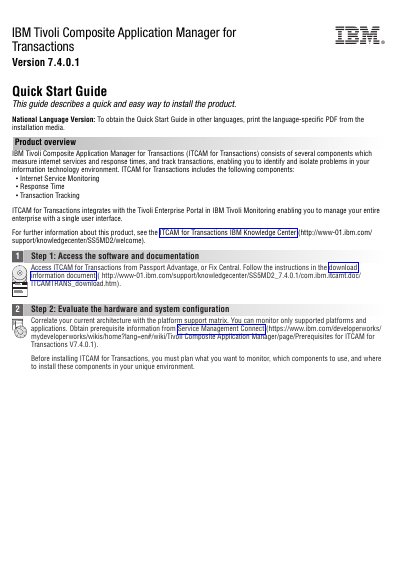
This Quick Start Guide from IBM describes a quick and easy way to install IBM Tivoli Composite Application Manager for Transactions (ITCAM for Transactions) version 7.4.0.1. The product consists of several components that measure internet services and response times and track transactions, so problems in an IT environment can be identified and isolated. Its components are Internet Service Monitoring, Response Time and Transaction Tracking, and it integrates with the Tivoli Enterprise Portal in IBM Tivoli Monitoring.
The guide walks through five steps: accessing the software and documentation from Passport Advantage or Fix Central, evaluating hardware and system configuration against the platform support matrix, reviewing the installation architecture, installing components with the ITCAM for Transactions installer or individual component installers, and getting started in a small staged test environment before deploying to production. A list of further resources, including the IBM Knowledge Center and Service Management Connect, closes the document.
| Version | 7.4.0.1 |
|---|---|
| Included components | Internet Service Monitoring, Response Time, Transaction Tracking |
| Integration | Tivoli Enterprise Portal in IBM Tivoli Monitoring |
| Installation methods | ITCAM for Transactions installer or individual installers for each component |
It consists of several components that measure internet services and response times and track transactions, enabling you to identify and isolate problems in your IT environment.
The components are Internet Service Monitoring, Response Time and Transaction Tracking.
You can install and upgrade the components using the ITCAM for Transactions installer or the individual installers for each component.
Plan what you want to monitor, which components to use and where to install them, correlating your architecture with the platform support matrix.