
IBM SPSS Amos is a statistical software program used for structural equation modeling. It helps researchers analyze complex data and build statistical models.
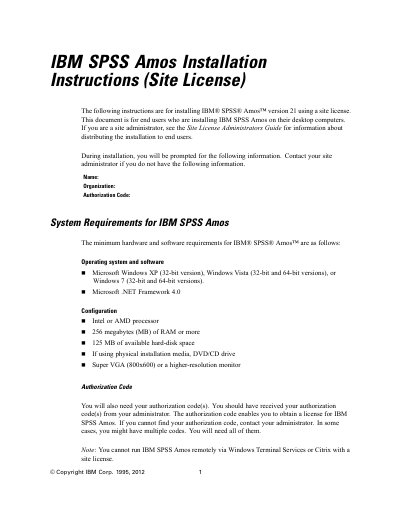
This document gives end users step-by-step instructions for installing IBM SPSS Amos version 21 using a site license. It lists the information needed during installation (name, organization, and authorization code), the minimum hardware and software requirements, and how to install from a downloaded file, from DVD/CD, or from a network location on Windows XP, Vista, or 7.
It also explains how to license the product with the License Authorization Wizard, how to enable temporary usage, how to view the license, how to uninstall the software, and what to do when renewing a license. Site administrators are referred to the Site License Administrators Guide instead.
| Operating system | Windows XP (32-bit), Windows Vista (32/64-bit), or Windows 7 (32/64-bit) |
|---|---|
| Additional software | Microsoft .NET Framework 4.0 |
| Processor | Intel or AMD processor |
| RAM | 256 MB or more |
| Hard-disk space | 125 MB available |
| Display | Super VGA (800x600) or higher-resolution monitor |
You will be prompted for your name, organization, and authorization code; contact your site administrator if you do not have this information.
No, you cannot run IBM SPSS Amos remotely via Windows Terminal Services or Citrix with a site license.
You must be logged on to your computer with administrator privileges; on Windows Vista or 7, run setup.exe with Run as Administrator.
After the temporary usage period, which begins when the product is first used, IBM SPSS Amos will no longer run, so it is recommended to obtain a license as soon as possible.