
IBM Tivoli Storage Productivity Center Select Edition provides a set of policy-driven automated tools for managing storage capacity, availability, events, performance, and assets in your enterprise environment. It provides disk system configuration and management, performance management, storage area network (SAN) fabric management and configuration, and usage reports and monitoring.
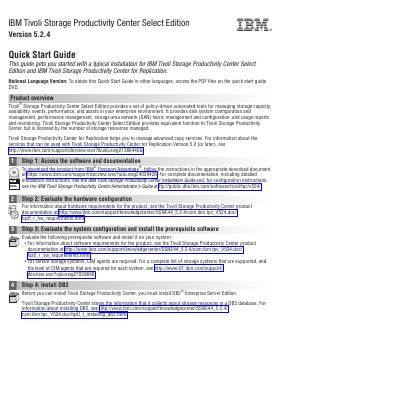
This Quick Start Guide gets users started with a typical installation of IBM Tivoli Storage Productivity Center Select Edition and IBM Tivoli Storage Productivity Center for Replication. It covers accessing the software, evaluating hardware and system configuration, installing prerequisite software and DB2, and running the product installation.
The guide also describes getting started tasks such as starting the GUIs, adding storage resources, configuring alert communication, setting alert trigger conditions, and specifying data retention. It points to the full product documentation for detailed installation and configuration instructions.
It provides policy-driven automated tools for managing storage capacity, availability, events, performance, and assets in an enterprise environment.
DB2 Enterprise Server Edition must be installed before the product can be installed.
It can be installed through the GUI wizard or through a command line in silent mode.
Jazz for Service Management and Tivoli Common Reporting must be installed to create custom reports and run predefined reports from the web-based GUI.