
The IBM Proventia® Network Intrusion Prevention System (IPS) User Guide helps you complete the following tasks: connecting the appliance, configuring appliance settings, connecting to Proventia Manager, installing the product license, and updating the appliance.
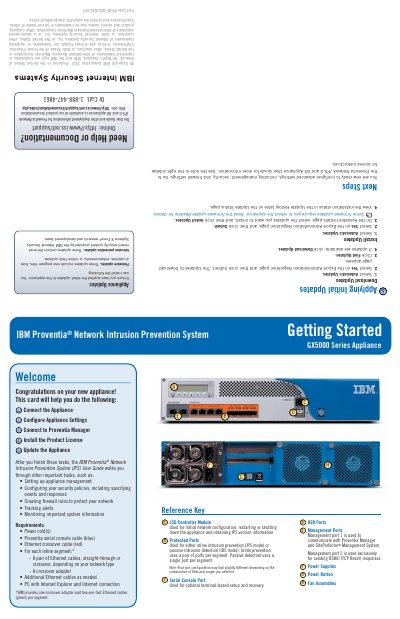
The IBM Proventia Network IPS G and GX Appliance GX5000 Series is a network security device used for intrusion prevention and detection. This guide provides instructions for connecting the appliance, configuring initial network settings via the LCD panel and serial console, and installing product licenses.
It details the different IPS modes, including inline protection, inline simulation, and passive monitoring, and explains how to apply firmware and intrusion prevention updates from the IBM Internet Security Systems X-Force team.
| Serial Connection Bits per second | 9600 |
|---|---|
| Serial Connection Emulation | VT100 |
| Serial Connection Data bits | 8 |
Management port 2 is used exclusively for sending RSKill (TCP Reset) responses.
It is used for initial network configuration, restarting or shutting down the appliance, and obtaining IPS version information.
You must configure TCP Reset before the appliance sends kill responses.
It requires a properly configured license file.