
This document describes the features and functions of WebSphere MQ, including message queuing, objects, clients and servers, security, transactional support, etc.
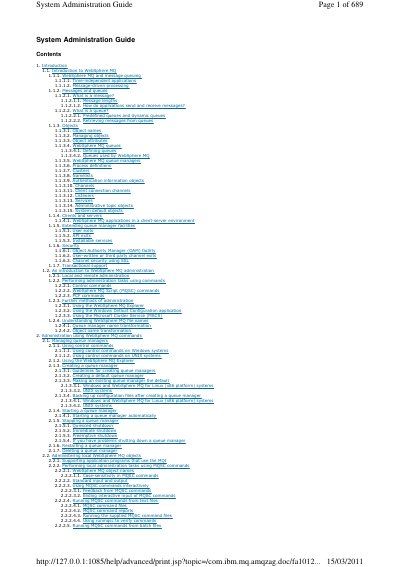
This IBM WebSphere MQ System Administration Guide explains how to administer WebSphere MQ messaging software using commands and graphical tools.
It covers queue manager creation and control, local and remote object administration, MQSC and PCF commands, the WebSphere MQ Explorer, control commands, channels, clusters, security, and data conversion.
WebSphere MQ supports local and remote administration using commands, the WebSphere MQ Explorer, and other methods such as the Windows Default Configuration application.
Queue managers can be started automatically or manually, and stopped using quiesced, immediate, or preemptive shutdown.
The WebSphere MQ Explorer is used to administer local and remote queue managers and clusters.
Control commands include crtmqm to create, dltmqm to delete, strmqm to start, endmqm to end, and dspmq to display queue managers.