
IBM Algo Financial Modeler is a model development environment that allows risk professionals to build financial models to perform different calculations on a single platform with a common set of code.
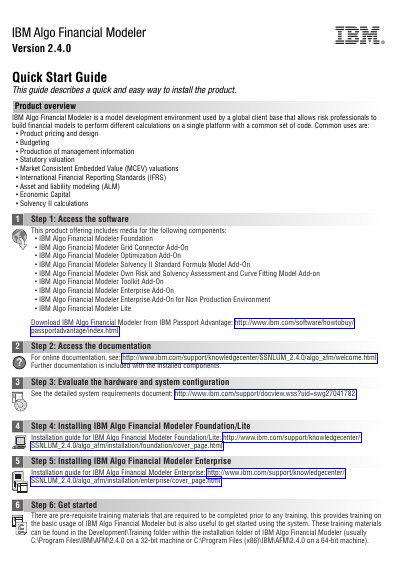
This Quick Start Guide describes a quick and easy way to install IBM Algo Financial Modeler Version 2.4.0. It lists the components included on the product media, points to IBM Passport Advantage for download, links to online documentation and system requirements, and provides separate installation steps for Foundation/Lite and Enterprise.
The guide also notes training materials in the Development\Training folder within the installation folder of IBM Algo Financial Modeler. It ends with links for product support and a developerWorks community.
| Product version | 2.4.0 |
|---|---|
| Default 32-bit installation folder | C:\Program Files\IBM\AFM\2.4.0 |
| Default 64-bit installation folder | C:\Program Files (x86)\IBM\AFM\2.4.0 |
The guide says to download it from IBM Passport Advantage.
Step 4 links to the IBM Knowledge Center installation guide for IBM Algo Financial Modeler Foundation/Lite.
They are in the Development\Training folder within the installation folder of IBM Algo Financial Modeler.
It is a model development environment used by risk professionals to build financial models and perform calculations on a single platform with a common set of code.