
This product is a temperature controller with the following features: 1. Automatic start after 30 seconds 2. Press the ENTER key to enter parameter settings 3. Press the UP and DOWN keys to change the parameter value 4. Hold the UP and DOWN keys to speed up parameter changes 5. Press the RESET key to restore to normal state
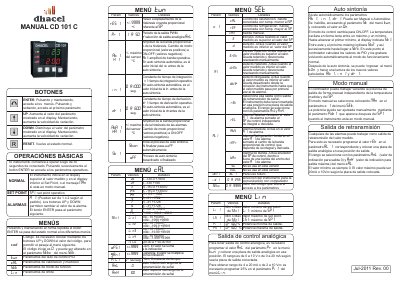
The DHACEL CD 101 C is a temperature controller described in this Spanish-language manual. The document explains the front-panel buttons, basic operation after power-up, normal set point display, alarm settings and the menu structure used to access tuning, calibration, setup and linearization parameters.
It also describes auto-tuning, manual control, retransmission and analog control outputs, plus technical specifications, a navigation diagram and dimension drawings. The manual is dated Jul-2011 Rev. 00. This manual is written in Spanish.
| Power supply | 12 to 24 V AC/DC and 110 to 240 V AC, 6 W |
|---|---|
| Dimensions | 48 x 48 x 94 mm |
| Accuracy | 0.5% of range |
| Sensor input types | Thermocouples Jb, J, N, Kb, K, S, R, B and T; Pt100; Lin1 to Lin4 |
| Serial output | RS232 or RS485; 9600 baud; Modbus (optional) |
| Integral time | 0 to 1000 s |
| Derivative time | 0 to 600 s |
| PWM frequency | 0.1 to 50 s per cycle |
| Output module types | Relay 220 V 2 A; PWM 0-15 V DC optoisolated; analog 0-10 V DC optoisolated; analog 4-20 mA optoisolated |
It starts operating 30 seconds after being connected.
Press and hold the ENTER button repeatedly to move from the normal state to the different menus.
Manual mode is selected by setting NAn in parameter c 1 of the Set menu.
It accepts 12 to 24 V AC/DC and 110 to 240 V AC, with 6 W consumption.