
This product is certificated to meet RoHS Directive and Lead-Free produced definition. Using approved critical components only is recommended when the situation to replace defective parts.
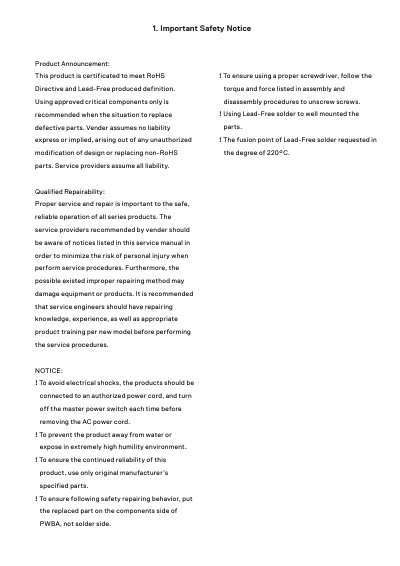
This service manual covers the Dell UltraSharp 24 Monitor (U2419H/U2419HX) and Dell UltraSharp 27 Monitor (U2719D/U2719DX). It opens with an important safety notice covering RoHS and lead-free requirements, approved replacement parts, and precautions such as disconnecting the AC power cord before service and using lead-free solder with a fusion point of 220°C.
The manual includes an exploded view diagram with a list of items, a wiring connectivity diagram showing the panel, interface board, power board, USB board, and connectors such as HDMI1, DP1, DP2, USB ports, and audio out. Step-by-step disassembly and assembly procedures specify screw sizes and torque values for each step, and a troubleshooting section describes the monitor's self-test feature and on-screen messages shown when no DP or HDMI cable is connected.
Turn off the computer and monitor, unplug all video cables from the back of the computer, then turn on the monitor. If the monitor cannot sense a video signal and is working correctly, a floating dialog box appears on-screen against a black background.
The monitor shows a 'No DP Cable' or 'No HDMI Cable' dialog, and the display will go into Standby Mode in 4 minutes.
Lead-Free solder should be used to mount the parts, and its fusion point is requested at 220°C.
The products should be connected to an authorized power cord, and the master power switch should be turned off each time before removing the AC power cord to avoid electrical shocks.