
This document describes how to use the TELECOM telephone.
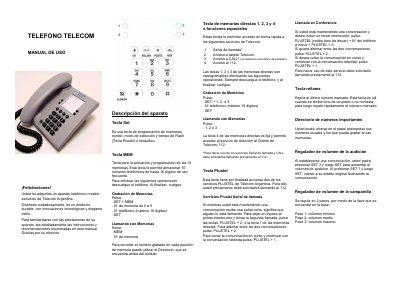
This user manual provides instructions for setting up and using Telecom Argentina's exclusive telephone model. It covers programming memory, adjusting volume, configuring ring tones, and using special features like call waiting and conference calling. The manual also includes a troubleshooting guide for common issues such as no dial tone or non-functioning ringer.
The device comes with a warranty of 12 months from the date of purchase, covering defects in materials or manufacturing. Users are advised to avoid exposing the phone to heat, moisture, or physical damage, and to follow proper installation and maintenance procedures to ensure optimal performance. This manual is written in Spanish.
To program memory, lift the handset, press SET + MEM, enter a memory number (0-9), enter the phone number (up to 16 digits), and press SET.
Adjust the ring volume using the key on the base: Step 1 = minimum, Step 2 = medium, Step 3 = maximum.
The warranty is 12 months from the date of purchase, covering defects in materials or manufacturing.