
PowerWizard 1.1, 1.1+ & 2.1 Generating Set Control Technical Manual
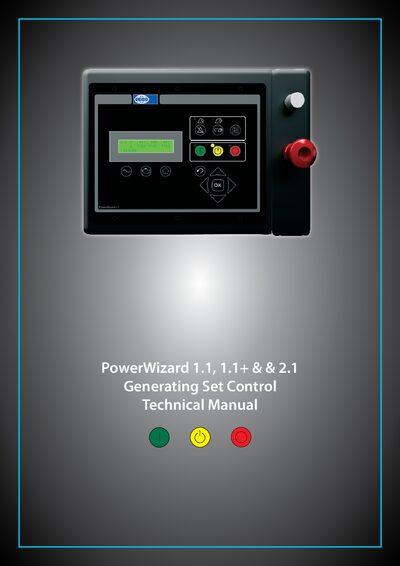
This manual describes the PowerWizard generating set controllers, covering three versions (1.1, 1.1+ and 2.1). It is intended for system designers, service technicians, dealers and end‑users who install, operate or maintain these controllers.
Key sections include safety information, a detailed user‑interface overview, menu trees, installation guidelines, set‑point programming, data‑link configuration and step‑through guides for reduced‑power mode, service intervals and language setup.
| AC Volts, Current and Frequency metering | Yes (all models) |
|---|---|
| DC metering – Battery volts, engine hours, rpm, temperature, oil pressure | Yes (all models) |
| Analogue Inputs | 2 (1.1), 3 (1.1+), 3 (2.1) |
| Programmable Input Channels | 4 (1.1), 6 (1.1+), 6 (2.1) |
| Programmable Relay Outputs | 6 (1.1), 6 (1.1+), 8 (2.1) |
| Programmable Sink Output | 0 (1.1), 0 (1.1+), 2 (2.1) |
| Real Time Clock | Only PowerWizard 2.1 |
| CAN1 J1939 Data Link | Supported on all models |
| SCADA RS485 Modbus remote monitoring and control | Only PowerWizard 2.1 |
The manual contains a safety information section that explains accident prevention, required training, skills and tools for safe operation, maintenance and repair.
Press the RUN key on the controller to cause the engine to enter run mode.
Only the PowerWizard 2.1 version includes a Real Time Clock.