
Guide for Online Volunteer Application Form
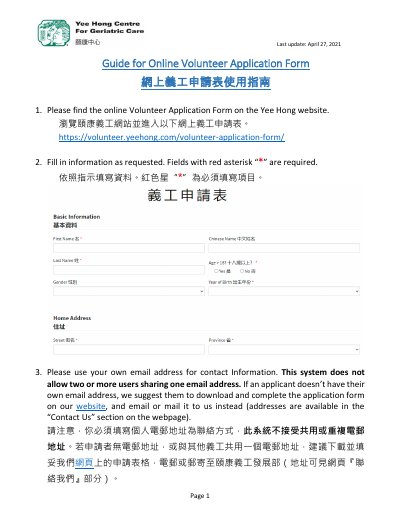
This guide explains how to complete the Yee Hong online Volunteer Application Form found on the organization's website. It covers finding the form, entering required information marked with a red asterisk, using a personal email address, and continuing through each page with the "Next" button.
The final steps describe confirming agreement with the Confidentiality Agreement, submitting the application, and recognizing the confirmation page that indicates a successful submission.
It is available on the Yee Hong website at https://volunteer.yeehong.com/volunteer-application-form/.
Fields marked with a red asterisk "*" are required.
No. The system does not allow two or more users to share one email address; applicants without their own address can download the form and email or mail it in.
A confirmation page appears stating that your online application has been submitted successfully.