
SWAM Solo Strings is a string instrument library that features:
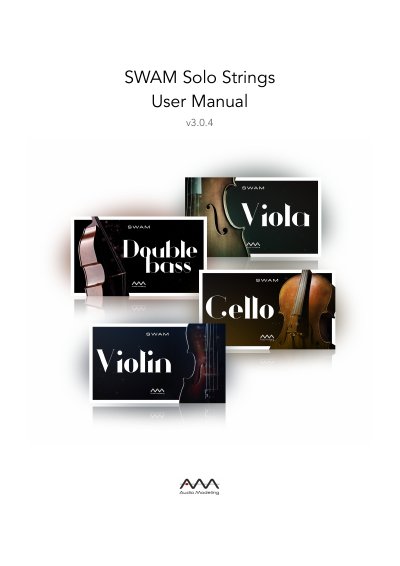
SWAM Solo Strings is a virtual instrument from Audio Modeling, documented here for version 3.0.4. It uses the company's SWAM (Synchronous Wave Acoustic Modeling) technology combined with physical modeling; the sound is shaped in real time rather than played back from samples.
The manual covers licensing, installation on macOS, Windows and iPadOS, hardware and software requirements, instrument parameters, play modes, MIDI controller mapping, effects, presets, settings, key switches, instrument ranges and articulation techniques. It notes that a suitable continuous MIDI controller is required to play the instrument in real time.
| macOS compatibility | macOS 10.10 (Yosemite) – 12.0 (Monterey) |
|---|---|
| Windows compatibility | Windows 7, Windows 8, Windows 10, Windows 11 |
| iPadOS compatibility | iPadOS 11 – 15 |
| macOS and Windows plug-in formats | Standalone, Audio Units, VST, VST3, AAX 64bit |
| iPadOS plug-in formats | Standalone, AUv3, IAA |
| Required space after installation | 16 MB per single plugin format plus 15 MB for shared resources and assets; 240 MB for the complete Solo Strings bundle |
| RAM occupancy | About 15 MB for each instrument instance |
The license key can be activated on up to four computers at the same time.
On iPadOS it is available in Standalone, AUv3 and IAA formats.
Suggested buffer sizes are 128, 256, or 512 samples.
The instrument will not work when played in real time and displays a warning to move the expression controller.