
The Dell™ OptiPlex™ GX520 User's Guide provides information on the features and functionality of the Dell OptiPlex GX520 computer. Topics covered include: LegacySelect technology control, manageability, security, password protection, system setup, booting to a USB device, clearing forgotten passwords, clearing CMOS settings, hyper-threading, power management, and more.
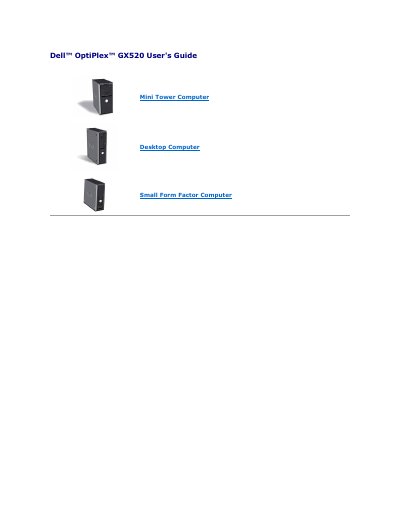
This Dell OptiPlex GX520 User's Guide covers the Mini Tower, Desktop, and Small Form Factor computers. It describes advanced features including LegacySelect Technology Control, manageability through ASF alerts and Dell OpenManage IT Assistant, and security features such as chassis intrusion detection, the padlock ring, the security cable slot, and password protection.
The guide also explains system setup, booting to a USB device, clearing forgotten passwords, clearing CMOS settings, and power management. Password sections cover assigning, changing, deleting, and using system and administrator passwords.
| Supported ASF alert versions | 1.03 and 2.0 |
|---|---|
| System password maximum length | 32 characters |
| Battery low alert threshold | 2.2 V or lower |
| Default Chassis Intrusion setting | On-Silent |
| Chassis Intrusion option settings | On, On-Silent, Off |
A system password can use up to 32 characters.
The default setting is On-Silent.
It supports ASF version 1.03 and 2.0 alerts and remote capabilities.
The computer displays the number of unsuccessful password attempts and the message "System halted! Must power down."