
The Dell™ Inspiron™ 1546 Service Manual provides information on how to service and maintain your Dell™ Inspiron™ 1546 laptop.
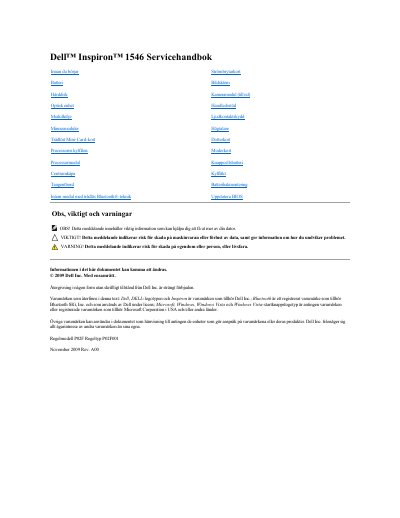
This service manual covers the removal and installation of various components in the Dell Inspiron 1546 laptop. It includes detailed procedures for handling the battery, hard drive, optical drive, memory modules, wireless Mini-Card, Bluetooth module, keyboard, and other internal parts. The document also provides safety warnings and recommended tools for technicians. This manual is written in Swedish.
You can remove and reinstall components such as battery, hard disk, optical drive, module housing, memory modules, wireless Mini-Card, processor heatsink, processor module, center cover, keyboard, Bluetooth module, speaker grille, and handle support.