
Dell PowerEdge Servers with Dell Lifecycle Controller Installation Guide

Dell Lifecycle Controller is an advanced embedded systems management technology that enables remote server management through the integrated Dell Remote Access Controller (iDRAC).
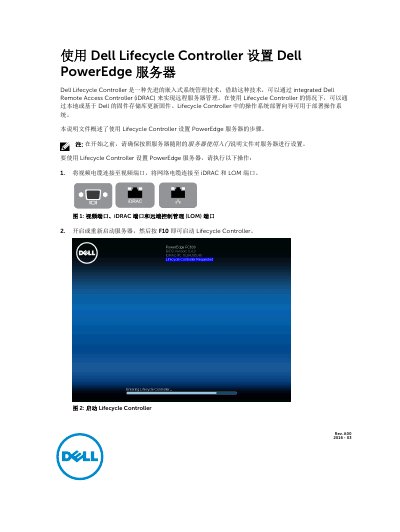

Dell PowerEdge Servers with Dell Lifecycle Controller Installation Guide - cover page
Brand
DELL
Category
Servers Computer
Document type
Installation Guide
Language
Chinese
Pages
6
File format
PDF
File size
670 KB
Published
24 November, 2023
Updated
24 November, 2023
MD5 checksum
A762F80968F5ADCE5185114228B05A1B

About this manual

This document outlines the steps for setting up Dell PowerEdge servers with Dell Lifecycle Controller. It covers cable connections, starting Lifecycle Controller, language and keyboard selection, product overview, network and iDRAC configuration, firmware update, and operating system deployment.

It also lists related Dell products and support resources, including iDRAC, SupportAssist, iDRAC Service Module, and OpenManage Server Administrator. This manual is written in Chinese.

What's inside

  • Connecting video, iDRAC, and LOM cables
  • Starting Lifecycle Controller
  • Language and keyboard selection
  • Product overview
  • Network settings
  • iDRAC network settings
  • Firmware update
  • Operating system deployment
  • Related Dell products

Frequently asked questions

How do I start Dell Lifecycle Controller?

Power on or restart the server, then press F10.

What if I miss pressing F10?

Hold the power button for 3 seconds to restart the server.

Where can I find iDRAC manuals?

Visit Dell.com/idracmanuals.

Download PDF (670 KB)

More DELL Manuals


View all DELL manuals →