
This product complies with the RoHS Directive and is produced with a lead-free process.
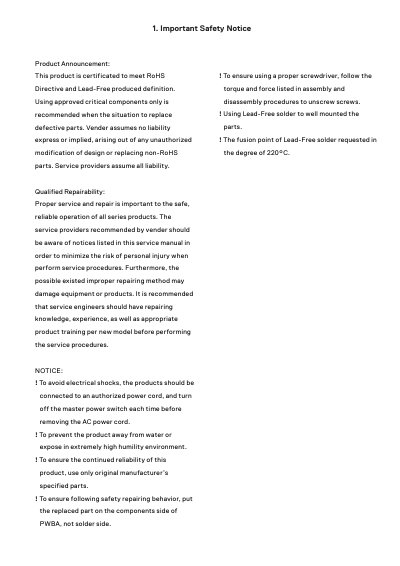
This document serves as a service manual for Dell S2421HN and S2721HN monitors. It outlines safety precautions for repair, including the use of RoHS-compliant parts and proper handling of lead-free solder. The manual provides detailed exploded views and wiring diagrams to assist technicians in identifying components.
| Resolution | 1920*1080 |
|---|---|
| Screw Torque (No.1~4) | 7 8kgfxcm |
| Screw Torque (No.5~6) | 7 8kgfxcm |
| Screw Torque (No.1~2) | 3 ~4kgfxcm |
| Screw Torque (No.3~4) | 2 ~3kgfxcm |
| Screw Torque (No.1~11) | 3~4kgfxcm |
| Screw Torque (No.12~16) | 1±0.2kgfxcm |
| Soldering Temperature | 220°C |
The fusion point of lead-free solder is requested at 220°C.
Turn off both computer and monitor, unplug the video cable, then turn on the monitor.
Turn off the monitor, reconnect the video cable, then turn on both computer and monitor.
7 8kgfxcm.