
This product is a low-cost, highly reliable remote data acquisition system that can be accessed via the Internet and is suitable for data monitoring and storage for various applications.
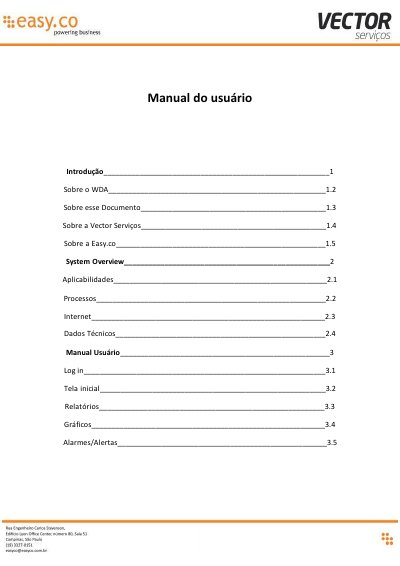
WDA (Wireless Data Acess) is a low-cost, high-reliability remote data acquisition and telemetry system developed by Vector Serviços and Easy.co. It collects data through Usmart units, transmits it at configured intervals to a server database, and lets users view readings as lists or graphs through a web browser.
The manual explains login, the initial screen, reports, graphs, and alarms/alerts. It also lists technical data such as eight analog inputs, eight digital inputs, dual-chip GSM transmission, a solar-power option, and a 24-hour backup battery. This manual is written in Portuguese.
| Analog inputs | 8 (4-20 mA, 12-bit; configurable as voltage) |
|---|---|
| Digital inputs | 8 potential-free inputs |
| GSM transmission | Dual-chip system |
| Power option | Can operate without commercial power using a solar panel |
| Backup battery | 24 hours of operation without commercial power |
| Power supply | Power supply and battery charger incorporated with AC protection |
| Microcontroller | High-reliability, low-power microcontroller (Usmart) |
Use the username and password provided by the system administrator, enter them in the Usuário and Senha fields, and click "entrar".
Reports can be exported to PDF, XLS, DOC, and RTF.
Alerts can be sent by SMS or email; only the system administrator can configure the recipients.
Graphs can be generated as line, column, or area charts.