
The Dell™ Active Management Technology (AMT) v7.0 Administrator's Guide provides an overview of AMT features and guides you through the installation and configuration process.
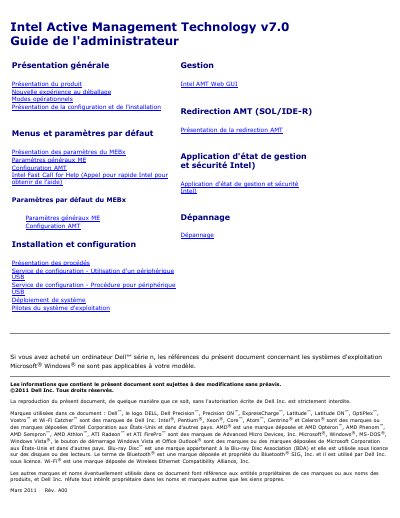
Intel Active Management Technology (Intel AMT) v7.0 lets companies administer networked computers, including access when systems are powered off and remote repair after operating-system failures. It also provides proactive alerts and supports compatible management software from independent software vendors.
This Dell administrator guide covers client systems based on the Intel PCH/Intel 6 Series chipset family. It describes out-of-box setup, manual and automatic configuration, MEBx and ME settings, USB configuration service, system deployment, drivers, Web GUI management, AMT redirection, and troubleshooting. This manual is written in French.
| Intel AMT version | 7.0 |
|---|---|
| Client platform | Intel PCH / Intel 6 Series chipset family |
| Required flash image | SPI flash programmed with BIOS integrating Intel AMT 6.0, Intel ME, and GbE images |
| Required client drivers | Intel MEI, SOL, and LMS device drivers |
| TLS mode | Disabled by default; can be enabled later |
| IDER/SOL/CVS network interface | Enabled if enabled in Intel MEBx |
It lets companies administer networked computers, including when they are powered off, and repair systems remotely after operating-system failures.
Client computers based on the Intel PCH/Intel 6 Series chipset family.
By flashing the image with system BIOS and firmware, accessing Intel MEBx through F12, changing the default admin password, enabling network access, confirming, and exiting MEBx.
Intel MEI, SOL, and LMS device drivers must be installed and configured in the Microsoft operating system.