
The Dell PowerVault MD3000i RAID storage array supports both duplex (dual-controller) and simplex (single-controller) configurations. A duplex configuration allows for full redundancy between RAID controller modules, non-I/O components, virtual disk paths, and physical disk paths. A simplex configuration offers no redundancy between RAID controller modules or physical disk paths.
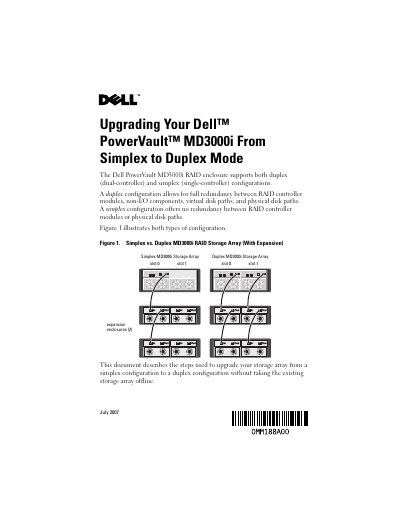
This document describes how to upgrade a Dell PowerVault MD3000i RAID storage array from a simplex configuration to a duplex configuration without taking the existing storage array offline. It covers firmware and NVSRAM download, changing the array redundancy mode, adding a second RAID controller module, configuring Ethernet management ports, and adjusting virtual disk caching options.
A simplex configuration has no redundancy between RAID controller modules or physical disk paths, while a duplex configuration provides full redundancy between RAID controller modules, non-I/O components, virtual disk paths, and physical disk paths.
Yes. The document describes steps to upgrade the storage array from a simplex configuration to a duplex configuration without taking the existing storage array offline.
A duplex configuration allows for full redundancy between RAID controller modules, non-I/O components, virtual disk paths, and physical disk paths.
Use SMcli IP_address -c “set storageArray redundancyMode=duplex;” where IP_address is the management port address of RAID controller 0.
The SMcli command is installed under the client directory of the path selected during installation of management station software for MD Storage Manager.