
Dell PowerEdge Cluster Hardware Installation and Troubleshooting Guide

This document describes how to cable the various components of a cluster, including the mouse, keyboard, and display; the power supply; the public and private networks; and the storage system.
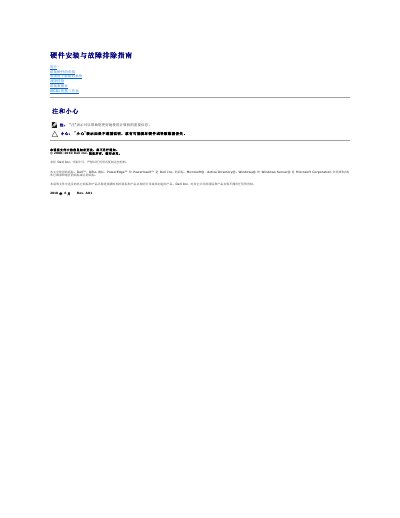

Dell PowerEdge Cluster Hardware Installation and Troubleshooting Guide - cover page
Brand
DELL
Category
Servers Computer
Document type
User Manual
Language
Chinese
Pages
32
File format
PDF
File size
1.1 MB
Published
24 November, 2023
Updated
24 November, 2023
MD5 checksum
0C1D06C7B3D53ED4FB4B1468D38BE268

About this manual

This document serves as a hardware installation and troubleshooting guide for Dell PowerEdge cluster solutions. It provides instructions on preparing systems for clustering, including cabling for mice, keyboards, monitors, power supplies, and network connections. The guide details specific wiring methods for public and private networks, as well as direct and networked configurations connecting cluster nodes to Dell PowerVault storage systems. This manual is written in Chinese.

What's inside

  • Introduction
  • Cabling Cluster Hardware
  • Power Supply Cabling
  • Public and Private Network Cabling
  • Storage System Cabling
  • Direct Connection Configuration
  • Network Connection Configuration
  • Connecting Multiple Storage Systems
  • iSCSI Configuration Worksheet
  • Notes and Cautions

Specifications

Maximum supported hosts32

Frequently asked questions

What is the maximum number of hosts supported in a network connection configuration?

The network connection configuration supports up to 32 hosts simultaneously.

What type of cables are recommended for network adapter connections?

CAT5e or CAT6 cables, multimode fiber optic cables with LC connectors, or twisted pair cables are recommended.

Download PDF (1.1 MB)

More DELL Manuals


View all DELL manuals →