
The magnetic workbench allows problem-free application of solder-paste onto an SMD array. The SMD stencil is held in place on a magnetic hinge while the PCB is held in position using the tailor-made flexible magnetic strips.
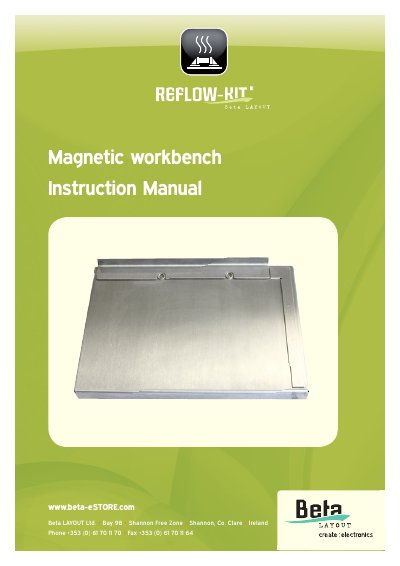
The Beta LAYOUT magnetic workbench is used for applying solder paste onto an SMD array. The SMD stencil is held in place on a magnetic hinge while the PCB is held in position using flexible magnetic strips.
The package includes the workbench, four permanent magnets, a slab of flexible magnetic strip, and a 0.6 mm spacer. The instructions cover unpacking, placing the PCB, fixing the stencil, applying solder paste, and removing the PCB.
| Maximum PCB dimensions | 160 mm x 270 mm |
|---|
The maximum PCB dimensions are 160 mm x 270 mm.
Place a spacer board beneath the PCB to adjust it to the correct height.
Retract the SMD stencil by tilting the hinge back.