
This manual describes how to use the I-500 card reader.
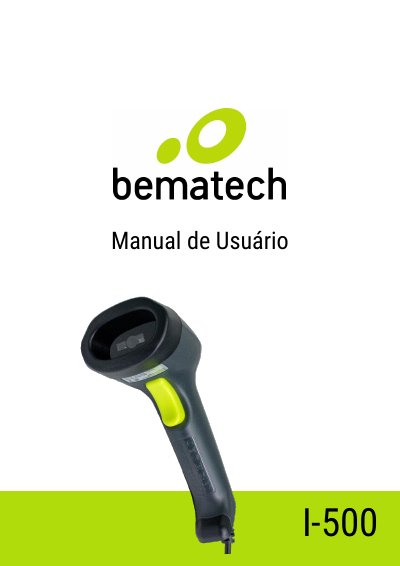
This is the Bematech I-500 user manual (Manual de Usuário do Leitor I-500), code 501014930 revision 1.0 from September 2018, published by Bematech HW Ltda. It is a Portuguese-language guide for customers and authorized technical assistance.
The I-500 is a trigger-type 2D barcode reader with an attached USB cable and a US keyboard layout by default. The manual covers product presentation, installation, configuration, reading modes, message terminators, communication interface, beep settings, barcode symbologies, data editing, troubleshooting and product specifications. This manual is written in Portuguese.
| Product type | Trigger-type 2D barcode reader |
|---|---|
| Interface | USB |
| Default keyboard layout | American (US) |
| FCC class | Class B |
Connect the reader to the host or computer USB port; a beep indicates it is switched on.
It means the barcode was read correctly.
Read the Restore Factory Defaults barcode; settings are stored in non-volatile memory until that code is read.