
Dell XPS 625 Service Manual

The Dell™ XPS™ 625 Service Manual provides information on how to replace the computer's cover, memory modules, PCI and PCI Express cards, drives, fans, processor heatsink, processor, system board, power supply, front panel I/O, and master I/O board.
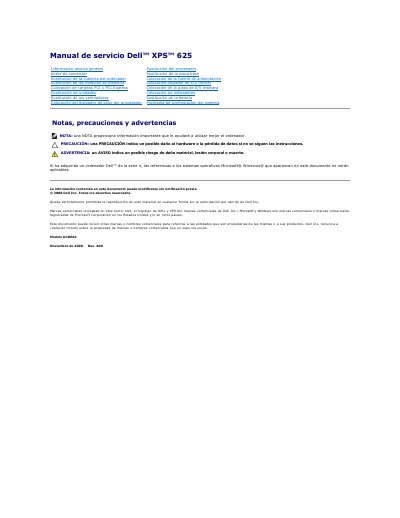

Dell XPS 625 Service Manual - cover page
Brand
DELL
Category
Desktops
Document type
Service Manual
Language
Spanish
Pages
47
File format
PDF
File size
1.7 MB
Published
24 November, 2023
Updated
24 November, 2023
MD5 checksum
C5A451CBE1E3C0E25D68FEE1087F21AE

About this manual

This document is a service manual for the Dell XPS 625 computer, model DCDR01. It provides instructions for certified technicians on how to safely replace computer components such as the cover, memory modules, PCI/PCI Express cards, drives, fans, processor, motherboard, and power supply. The manual also details the procedure for installing the front I/O panel and master I/O board. This manual is written in Spanish.

What's inside

  • Before you begin
  • Computer cover replacement
  • Memory module replacement
  • PCI and PCI Express card installation
  • Drive replacement
  • Fan replacement
  • Processor replacement
  • Motherboard replacement
  • Power supply installation
  • System configuration program

Frequently asked questions

What tools are required to perform the procedures in this manual?

You may need a small Phillips screwdriver and a small flat-head screwdriver.

How long must you hold the power button to turn off the computer?

You must hold the power button down for about 4 seconds.

What must be done to the computer before working inside it?

You must disconnect the computer and all connected devices from the electrical outlets.

Download PDF (1.7 MB)

More DELL Manuals


View all DELL manuals →