
The Dell PowerEdge VRTX is a rack-mount server designed for small businesses and remote offices. It supports up to 4 server nodes and 8 hot-swappable hard drives.
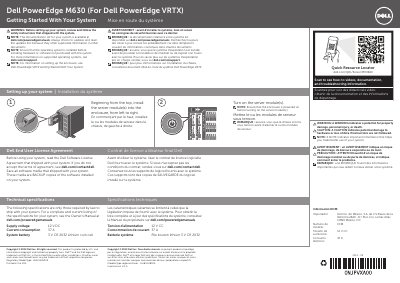
This document serves as a Getting Started Guide for the Dell PowerEdge VRTX system. It directs users to the Dell PowerEdge VRTX Getting Started With Your System document for detailed enclosure setup instructions. The guide emphasizes the importance of reviewing safety instructions and ensuring the operating system is installed before adding non-purchased hardware or software.
| Supply voltage | 12 V DC |
|---|---|
| Current consumption | 37 A |
| System battery | 3 V CR 2032 Lithium coin cell |
For a complete and current listing of the specifications for your system, see the Owner's Manual at dell.com/poweredgemanuals.
Ensure that the operating system is installed before installing hardware or software not purchased with the system.