
Dell Studio 540 Service Manual

The Dell Studio™ 540 is a desktop computer that features: - Intel Core 2 Duo processor - 2GB of memory - 160GB hard drive - DVD burner - 17-inch LCD monitor - Windows Vista Home Premium operating system
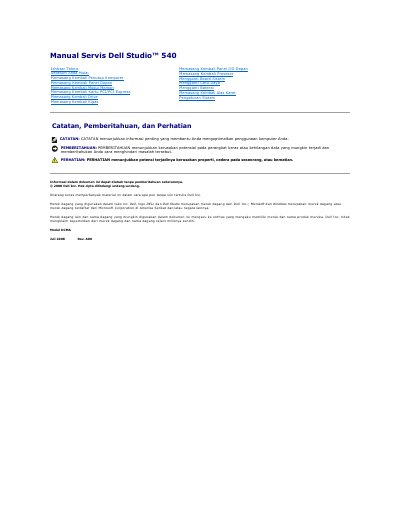

Dell Studio 540 Service Manual - cover page
Brand
DELL
Category
Desktops
Document type
Service Manual
Language
ID
Pages
34
File format
PDF
File size
1 MB
Published
24 November, 2023
Updated
24 November, 2023
MD5 checksum
0408FD1E795EADDD485242C0CD7F11BE

About this manual

This document is a service manual for the Dell Studio 540 computer. It provides detailed procedures for technicians to replace and reinstall various internal components, including the system board, power supply, battery, processor, memory modules, and PCI/PCI Express cards. The manual also covers the reinstallation of the computer cover and front panel.

What's inside

  • Sebelum Anda Mulai
  • Memasang Kembali Penutup Komputer
  • Memasang Kembali Panel Depan
  • Memasang Kembali Modul Memori
  • Memasang Kembali Kartu PCI/PCI Express
  • Memasang Kembali Drive
  • Memasang Kembali Kipas
  • Memasang Kembali Panel I/O Depan
  • Mengganti Prosesor
  • Mengganti Board Sistem

Frequently asked questions

What tool is required to perform the procedures in this manual?

The procedures may require the use of a small Phillips #2 screwdriver.

How long must the power button be held to turn off the computer?

You must press and hold the power button for a minimum of 4 to 10 seconds.

What is the correct orientation for connecting a cable connector?

Ensure the connector is always in a straight position to prevent the pins from bending.

Download PDF (1 MB)

More DELL Manuals


View all DELL manuals →