
Dell Inspiron 1210 Service Manual

The Dell Inspiron 1210 is a thin and light notebook computer that features an Intel Core 2 processor and Intel Centrino wireless technology, providing excellent performance and mobility.
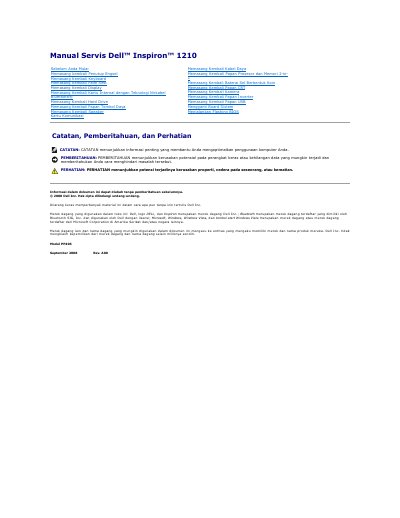

Dell Inspiron 1210 Service Manual - cover page
Brand
DELL
Category
Laptops
Document type
Service Manual
Language
ID
Pages
39
File format
PDF
File size
1.3 MB
Published
24 November, 2023
Updated
24 November, 2023
MD5 checksum
DDCED00679BBF7E4F877E8A17393CEC4

About this manual

This document is a service manual for the Dell Inspiron 1210 notebook, model PP40S. It provides detailed procedures for disassembling the computer to replace or upgrade internal components such as the hard drive, keyboard, display, and wireless Bluetooth card. The manual also includes safety precautions and specific instructions for handling internal parts.

What's inside

  • Memasang Kembali Penutup Engsel
  • Memasang Kembali Keyboard
  • Memasang Kembali Palm Rest
  • Memasang Kembali Display
  • Memasang Kembali Kartu Internal dengan Teknologi Nirkabel Bluetooth
  • Memasang Kembali Hard Drive
  • Memasang Kembali Papan Prosesor dan Memori
  • Memasang Kembali Baterai
  • Menjalankan Flashing BIOS
  • Mengganti Board Sistem

Frequently asked questions

What is the model number and revision of this service manual?

The manual covers the Dell Inspiron 1210 model PP40S, revision A00, dated September 2008.

What tools are recommended for performing the procedures in this manual?

The recommended equipment includes a small flathead screwdriver, a Philips screwdriver, a plastic pry tool, and a flash BIOS update program CD.

What specific precautions must be taken before servicing the internal components?

You must read the safety information provided with the computer and only qualified service technicians should perform repairs.

Download PDF (1.3 MB)

More DELL Manuals


View all DELL manuals →