
The document is an installation guide for PS series products.
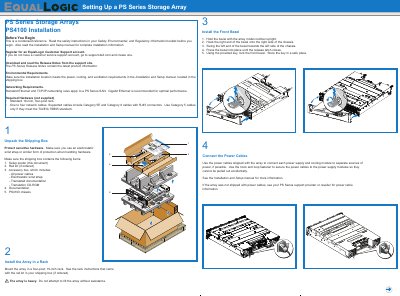
This guide provides a condensed reference for installing the Dell PS Series Storage Array, specifically the PS4100 model. It covers unpacking the shipping box, mounting the array in a standard 19-inch four-post rack, and installing the front bezel. Users are advised to use an electrostatic wrist strap when handling hardware and to secure power cables with hook and loop fasteners.
| Rack Type | Standard 19-inch, four-post rack |
|---|---|
| Network Cables | Category 5E and Category 6 cables with RJ45 connectors |
| Recommended Network | Gigabit Ethernet |
Allow enough time for the array to adjust to ambient temperature and humidity (for example, overnight) before turning on power.