
The F@ST3895 is a cable gateway that converts the signal from a cable modem to an Ethernet signal for connection to a computer or other device. It also has wireless capability to create a wireless network for connecting to mobile devices.
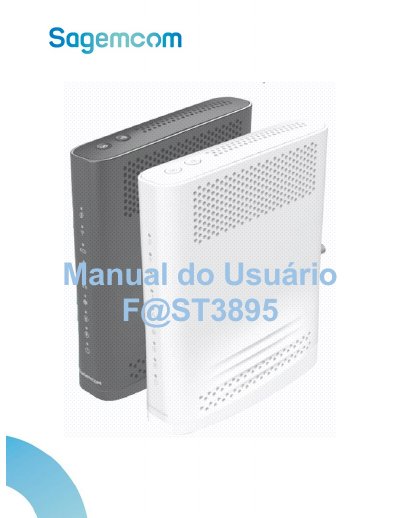
This manual provides instructions for the F@ST F@ST3895 CLARO Cable Gateway, a multimedia terminal adapter offering high-speed Internet access, telephone services, and fax/modem capabilities. The device supports connectivity via Ethernet cable and WiFi 802.11 b/g/n/ac. This manual is written in Portuguese.
| Power Input | 110V/220V 50/60Hz |
|---|---|
| Operating Temperature | 0º C to 40º C |
| Default IP Address | 192.168.0.1 |
Open a web browser and type the address http://192.168.0.1, then enter the name and password found on the device label.
The power supply is designed for a network with a nominal voltage of 110V/220V at 50/60Hz.