
Dell XFR630 Rugged Notebook Quick Reference Guide

The DellTM XFR630 is a rugged notebook with a touchscreen display. It features:
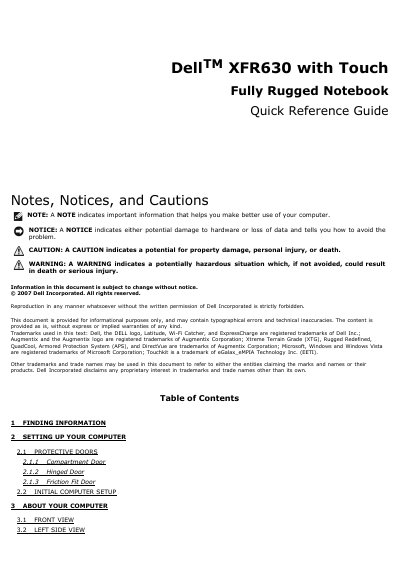

Dell XFR630 Rugged Notebook Quick Reference Guide - cover page
Brand
DELL
Category
Laptops
Document type
User Manual
Language
English
Pages
23
File format
PDF
File size
969 KB
Published
22 November, 2023
Updated
22 November, 2023
MD5 checksum
25AB228A6EFF670E0886D647297540F4

About this manual

This document serves as a Quick Reference Guide for the Dell XFR630 with Touch Fully Rugged Notebook. It provides essential information for initial setup, including unpacking accessories and connecting the AC adapter. The guide details the operation of the three types of protective doors (Compartment, Hinged, and Friction Fit) designed to secure connectors and devices on the notebook's exterior.

What's inside

  • Finding Information
  • Setting Up Your Computer
  • Protective Doors
  • Initial Computer Setup
  • About Your Computer
  • DirectView Touch Display Information
  • Using a Battery
  • Troubleshooting

Frequently asked questions

What types of protective doors does the XFR630 use?

It uses compartment doors, hinged doors, and friction fit doors.

Where is the Service Tag located?

It is located on the bottom of the computer.

Where do you connect the AC adapter?

Connect it to the AC adapter connector on the back of the computer and to an electrical outlet.

How are compartment doors secured to the computer?

Two quarter-turn latches secure each compartment door.

Download PDF (969 KB)

More DELL Manuals


View all DELL manuals →