
Dell Inspiron 518/519 Desktop Computer Service Manual

The Dell™ Inspiron™ 518/519 Service Manual provides information on how to disassemble and replace components in your computer.
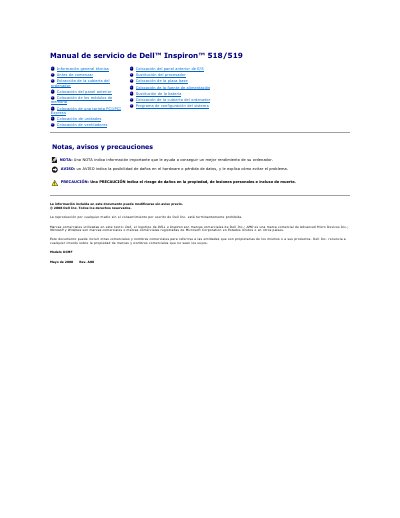

Dell Inspiron 518/519 Desktop Computer Service Manual - cover page
Brand
DELL
Document type
Service Manual
Language
Spanish
Pages
40
File format
PDF
File size
1.3 MB
Published
22 November, 2023
Updated
22 November, 2023
MD5 checksum
23471E10DC18CA1942357F1ED7120AC5

About this manual

This Dell service manual covers the Inspiron 518/519 desktop computer. It is written in Spanish and provides procedures for removing and installing computer components, assuming the system is turned off and safety instructions are followed.

Covered topics include preparing the computer, safety guidelines, removing the cover, memory modules, PCI/PCI Express cards, drives, fans, the processor, motherboard, power supply, battery, and the system setup program.

What's inside

  • Before You Begin
  • Safety Instructions
  • Removing the Computer Cover
  • Memory Modules
  • PCI/PCI Express Card
  • Drives
  • Processor
  • Motherboard
  • Power Supply
  • System Setup Program

Frequently asked questions

What screwdriver is recommended for the procedures?

A small Phillips number 2 screwdriver may be required.

Who is allowed to perform repairs on the computer?

Only a certified technician should perform repairs.

How do I turn off the computer if it does not shut down automatically?

Hold down the power button for about 4 seconds.

What must be installed in empty card slot openings?

A filler bracket must be installed to maintain FCC certification.

Download PDF (1.3 MB)

More DELL Manuals


View all DELL manuals →