
Dell Inspiron 518/519 Service Manual

The Dell™ Inspiron™ 518/519 Service Manual provides information on how to remove and install computer components.
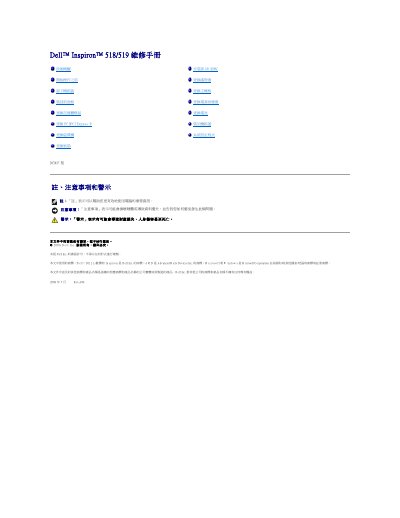

Dell Inspiron 518/519 Service Manual - cover page
Brand
DELL
Category
Desktops
Document type
Service Manual
Language
Chinese
Pages
36
File format
PDF
File size
1.6 MB
Published
22 November, 2023
Updated
22 November, 2023
MD5 checksum
2B842DC24E3FB0238097E1876472E66B

About this manual

This document is a service manual for the Dell Inspiron 518/519 computer. It describes procedures for preparing the computer, removing and installing components, and completing related configuration steps.

Covered topics include safety instructions, shutdown steps, recommended tools, PCI/PCI Express card removal and installation, battery replacement, chassis cover reinstallation, and system setup program configuration. This manual is written in Chinese.

What's inside

  • Before you begin
  • Technical specifications
  • Recommended tools
  • Shutting down the computer
  • Safety instructions
  • Removing and installing PCI/PCI Express cards
  • Replacing the battery
  • Reinstalling the chassis cover
  • Configuring the computer after PCI/PCI Express card changes
  • System setup program

Frequently asked questions

What tool may be needed for the procedures in this manual?

The procedures may require a #2 Phillips screwdriver.

Where can technical specifications for the computer be found?

They can be found in the Quick Reference Guide supplied with the computer or on the Dell support website.

How is the battery removed?

Carefully press the release latch beside the battery so it pops out.

How is the computer configured after installing or removing a sound card?

Use the system setup program to enable or disable the onboard audio controller, then connect the external audio device to the appropriate connector.

Download PDF (1.6 MB)

More DELL Manuals


View all DELL manuals →