
The DDS (A4900 Vibrio M Free Version) Quick Start Guide introduces how to create a basic route tree and start your predictive maintenance program.
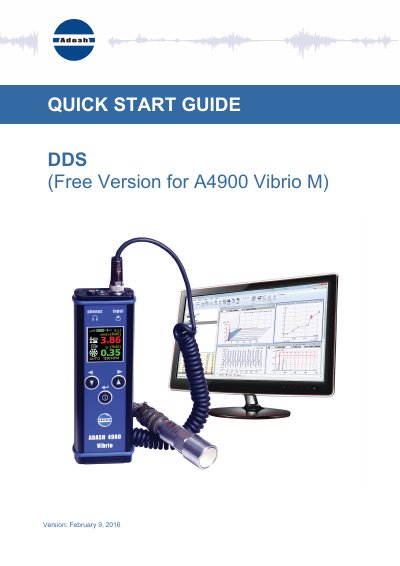
This Quick Start Guide introduces the DDS (Digital Diagnostics System) free version, which is supplied with the A4900 Vibrio M device. It covers system requirements, installation of USB drivers and the software, and initial setup steps including language and unit selection. The guide details how to define sensors and create a route tree structure for predictive maintenance programs.
| Database size limit | 200 MB |
|---|---|
| Number of databases | one |
| Operating systems | MS Windows 7 and higher |
| Compatible OS (limited) | MS Windows XP |
DDS supports Czech, English, French, Hungarian, and Russian.
Go to Tools / Globals / Units and select Metric or Imperial.
No, you can only load one route into the Vibrio M device.