
User manual for Dell XPS laptop.
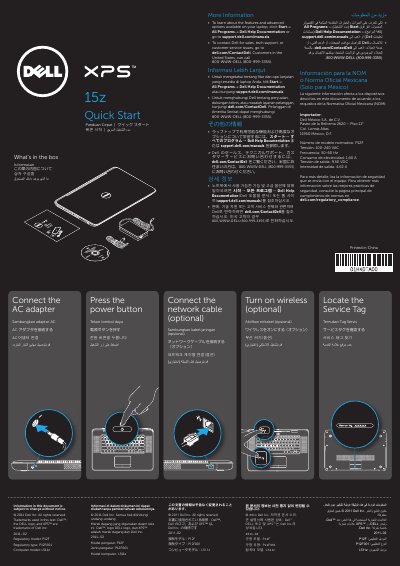
This Dell XPS Laptop L511z Quick Start Guide provides initial setup instructions in multiple languages, including English, Indonesian, Japanese, Korean, Arabic, and Spanish. It includes a What’s in the box section and directs users to Dell Help Documentation or support.dell.com/manuals for features and advanced options.
The guide shows how to connect the AC adapter, press the power button, connect an optional network cable, turn on wireless, and locate the Service Tag. Page 2 identifies the laptop's views and features, such as the HDMI connector, USB 3.0 connectors, media card reader, touch pad, keyboard, and network connector.
| Input voltage | 100-240 VAC |
|---|---|
| Input frequency | 50-60 Hz |
| Input current | 1,60 A |
| Output voltage | 9,50 VDC |
| Output current | 4,62 A |
| Computer model | L511z |
Go to dell.com/ContactDell, or call 800-WWW-DELL (800-999-3355) if you are in the United States.
Click Start→ All Programs→ Dell Help Documentation or visit support.dell.com/manuals.
The computer model is L511z.