
The Dell™ Inspiron™ N5020/M5030/N5030 Service Manual provides information on how to use and maintain your Dell™ Inspiron™ N5020/M5030/N5030 laptop.
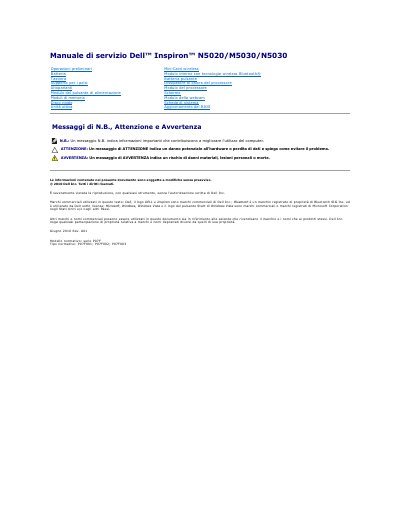
This Dell service manual provides instructions for removing and installing components in Inspiron N5020/M5030/N5030 computers. It includes preliminary operations, recommended tools, shutdown and safety procedures, BIOS update steps, and component-specific procedures such as Bluetooth module removal and reinstallation.
The document also identifies the regulatory model as the P07F series and lists regulatory types P07F001, P07F002, and P07F003. It is intended for qualified service technicians and emphasizes precautions such as ESD protection and battery removal before internal work. This manual is written in Italian.
| Regulatory model | P07F series |
|---|---|
| Regulatory type | P07F001, P07F002, P07F003 |
A small flat-blade screwdriver, a Phillips screwdriver, a plastic scribe, and the BIOS update executable from support.dell.com.
Save and close all open files, exit all programs, then shut down the operating system; if it does not power off automatically, hold the power button until it turns off.
On a label on the bottom of the computer.
Turn on the computer, go to support.dell.com/support/downloads, locate the BIOS update file using the service tag or product selection, download it, save it to the desktop, then run the file and follow the instructions.