
Dell™ Inspiron™ 535s/537s/545s/546s Models DCSLE and DCSLF Service Manual
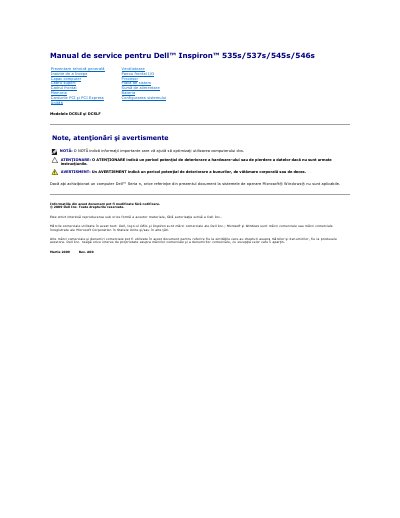
This service manual provides disassembly and reassembly procedures for Dell Inspiron 535s, 537s, 545s, and 546s desktop computers. It includes safety instructions, recommended tools, and step-by-step guides for removing and installing components such as the computer cover, front panel, support frame, memory, PCI cards, drives, fans, processor, system board, power supply, and battery.
The manual emphasizes safety precautions including electrostatic discharge protection, proper cable handling, and warnings against unauthorized repairs. It references the Setup Guide and Dell Support website for detailed technical specifications. Procedures are organized by component with illustrated steps for both Inspiron 535s/537s and 545s/546s variants where they differ.
A small Phillips screwdriver and a small flathead screwdriver may be needed.
Close the operating system, make sure the computer and attached devices are off, and if they do not turn off automatically, press and hold the power button for about 4 seconds.
Press and hold the power button while disconnecting the system to connect the system board to ground.
Remove the screw securing the card retention frame and push that frame toward the rear of the computer.