
Dell Networking W-AP200 Series Wireless Access Point Installation Guide
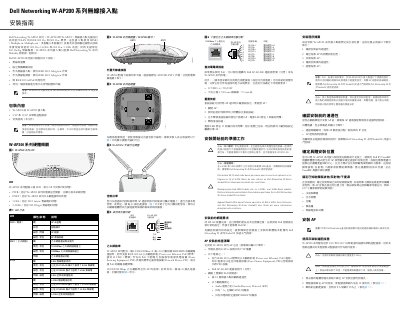
This document provides installation instructions for the Dell Networking W-AP200 Series Wireless Access Points, including the W-AP200, W-AP204, and W-AP205 models. It covers physical mounting options using 9/16" or 15/16" brackets, cabling requirements for 10/100/1000Base-T Ethernet, and power supply options including PoE (IEEE 802.3af) and AC-DC adapters. This manual is written in Chinese.
| Wireless Standards | IEEE 802.11a/b/g/n/ac |
|---|---|
| Ethernet Interface | 10/100/1000Base-T (RJ-45) |
| Power Supply (AC-DC) | 12 VDC (+/- 5%)/18W |
| PoE Standard | IEEE 802.3af |
| Weight | 3.75 kg |
The W-AP200 series supports IEEE 802.11a/b/g/n/ac standards.
Yes, the W-AP200 supports IEEE 802.3af PoE power over Ethernet.
The device supports 9/16" and 15/16" mounting brackets.
The AC-DC power adapter requires 12 VDC with a tolerance of +/- 5%.